If your organization relies on remote IT support, manages a hybrid workforce, or operates across multiple locations, having a fast and secure remote desktop tool isn’t a luxury — it’s a necessity. That’s exactly why over 700 million users worldwide rely on AnyDesk for their remote connectivity needs.
In this blog, we break down why AnyDesk continues to lead the market in 2026, what its latest security features bring to the table, and why sourcing your license through Advanzatech, the authorized regional distributor in the UAE and Saudi Arabia, is the smartest move for your business.
What Is AnyDesk and Why Is It So Widely Trusted?
AnyDesk is a remote desktop application that lets you securely access and control a computer from virtually any device — Windows, macOS, Linux, Android, iOS, or even Raspberry Pi — no matter where in the world it’s located.
Its reputation isn’t built on speed alone. At the core is a proprietary DeskRT codec that processes screen content at the pixel level — separately optimizing text, graphics, and video — enabling smooth 60fps sessions even on connections as slow as 1 Mbps.
For business owners, that translates to lower bandwidth costs, higher productivity, and zero lag frustration that typically eats into IT and customer support time.
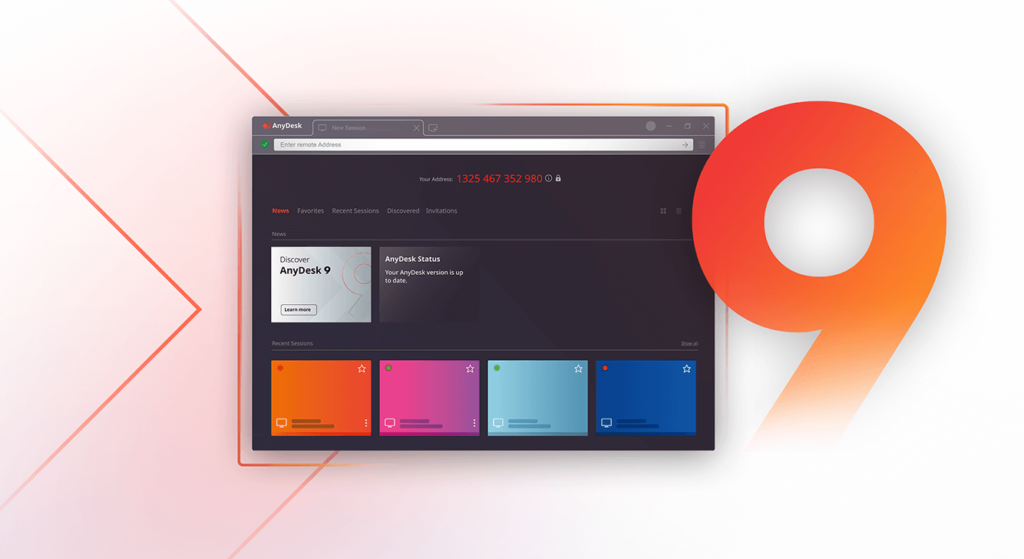
AnyDesk’s Latest 2026 Enterprise-Grade Security Features
As cybersecurity threats continue to escalate, AnyDesk has kept pace with meaningful security and usability upgrades. Some of the key 2026 updates include:
- Enforced Two-Factor Authentication (2FA): Administrators can now enforce 2FA for every session directly through the client generator — significantly reducing the risk of unauthorized access.
- TLS 1.2 Encryption on Every Session: Every connection is protected with RSA 2048 asymmetric key exchange — the same standard of encryption used by banking applications.
- No Silent Connections: A session only begins once the remote user explicitly accepts it — there are no background or hidden connections.
- AnyDesk One RMM Improvements: Enhanced CPU/RAM monitoring, remote restart, and process viewer capabilities make unattended device management significantly easier for IT teams.
- Granular Access Controls & Audit Logging: Enterprises can customize permissions per team member and maintain a detailed audit trail for every session — essential for compliance requirements.
These features are especially valuable for businesses managing distributed teams, multiple branches, or limited on-site IT staff — a common reality for growing enterprises across the UAE and Saudi Arabia.
Who Is AnyDesk Best Suited For?
Use Case How AnyDesk Helps
IT Help Desks & Customer Support Session queues, invitation links, and instant session requests reduce support response time
Hybrid & Remote Teams Employees can securely access their office machines from anywhere, with a lightweight footprint
Multi-Branch Enterprises Manage and monitor systems across multiple branches from one central location
Banks & Government Bodies Bank-grade encryption and audit logging support compliance requirements
SMEs with Limited IT Staff Unattended access and remote restart let a small IT team manage a much larger infrastructure
Why Get AnyDesk Through Advanzatech? (The Official Distributor Advantage)
Many organizations start with AnyDesk’s free or personal version, but when it comes to enterprise-level security, licensing, and support, working with an authorized distributor makes all the difference.
Advanzatech, headquartered in Dubai (UAE) with a regional presence in Saudi Arabia, is an authorized regional distributor for AnyDesk. We don’t just sell licenses — we deliver a complete deployment and support experience:
- Genuine Enterprise Licensing — no grey-market or unauthorized keys, sourced directly through the official channel.
- Certified Engineer Support — full assistance with installation, configuration, and 2FA/SSO setup.
- Local Support Across the UAE & Saudi Arabia — time-zone friendly response, not just overseas email support.
- SLA-Backed Service — a 99.9% uptime commitment with fast incident response.
- A Bundled Security Ecosystem — if you also need Endpoint Protection, Backup (Acronis), or SIEM monitoring alongside AnyDesk, Advanzatech delivers it all from a single partner.
That means you’re not just buying software — you’re gaining a long-term IT security partner.
Security Best Practices to Follow When Deploying AnyDesk
Regardless of where you source it from, every business should follow these steps:
- Enforce 2FA on every device, especially those with unattended access.
- Keep access permissions role-based — give each employee only the access they actually need.
- Regularly review session logs and audit trails.
- Always keep the software on the latest version to avoid missing critical security patches.
- Consider an On-Premises deployment for sensitive systems if data residency is a requirement (for example, to meet PDPL or GDPR compliance).
Conclusion: Give Your Business Fast, Secure Remote Access
In 2026, remote access is no longer just an IT support tool — it has become a strategic layer of every modern business’s infrastructure. AnyDesk continues to lead the pack thanks to its speed, encryption, and cross-platform flexibility.
If you’re looking for a genuine, enterprise-grade AnyDesk license for your team in the UAE or Saudi Arabia — backed by local support and certified deployment — get in touch with Advanzatech today.
👉 Book a Free Consultation: advanzatech.com/anydesk 📞 Call: +971 4 882 6632 | WhatsApp: +971 52 479 1656 📧 Email: sales@advanzatech.us